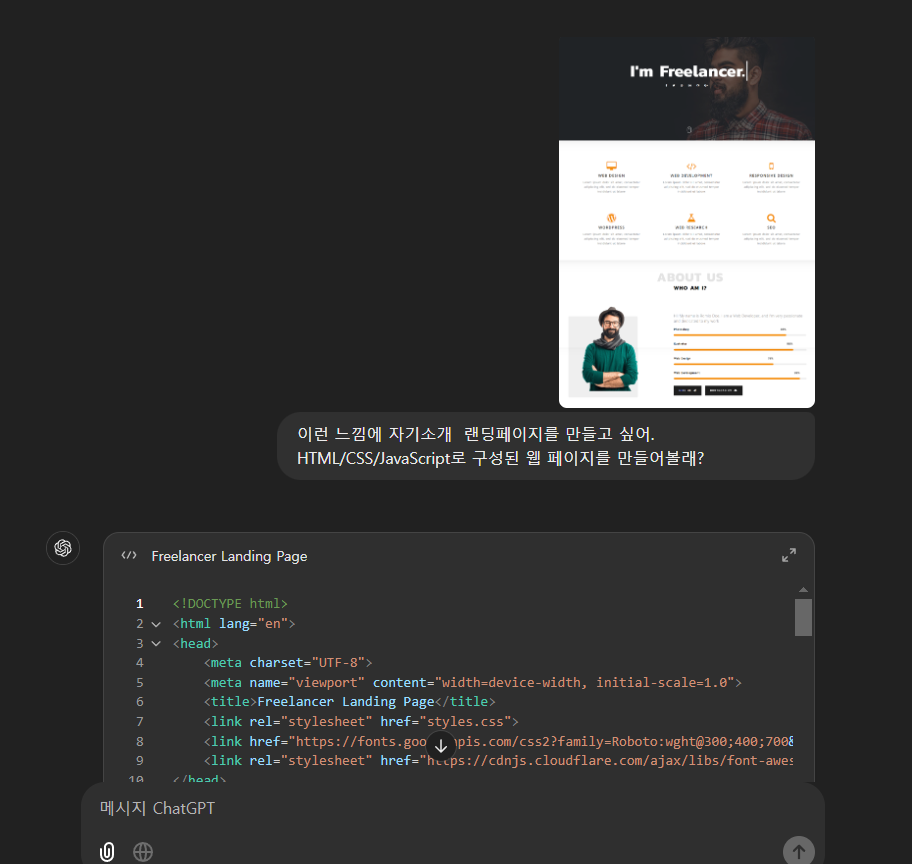
우선 만들고 싶은 랜딩페이지를 찾는다.
gpt에게 만들어 달라고 한다.
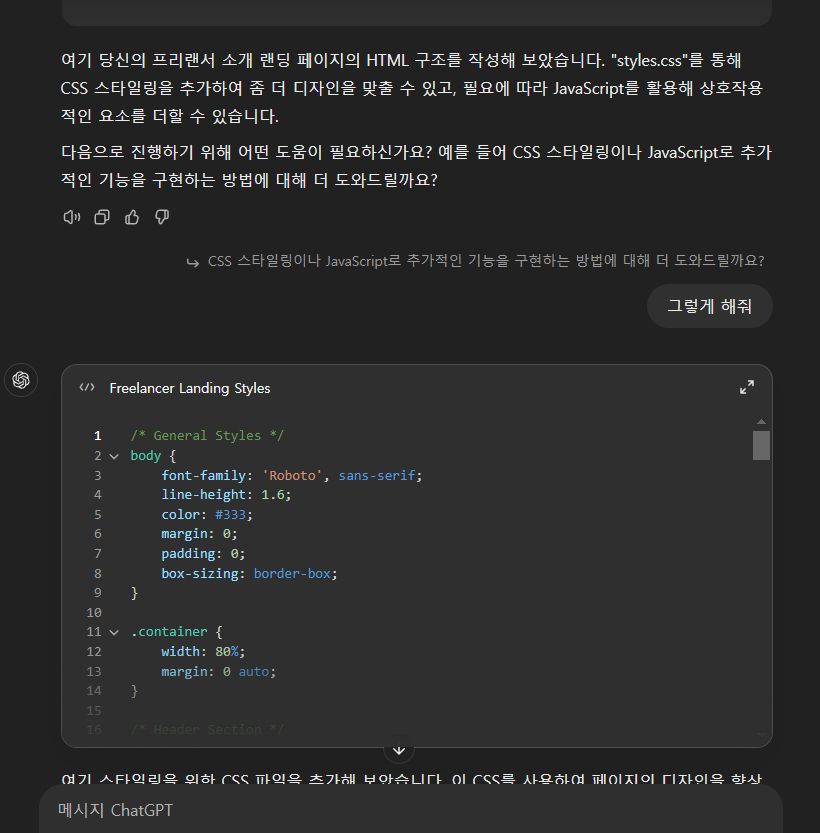
css/자바스크립트가 필요하면 만들어 준다고 하니 알겠다고 한다.
실행해보면
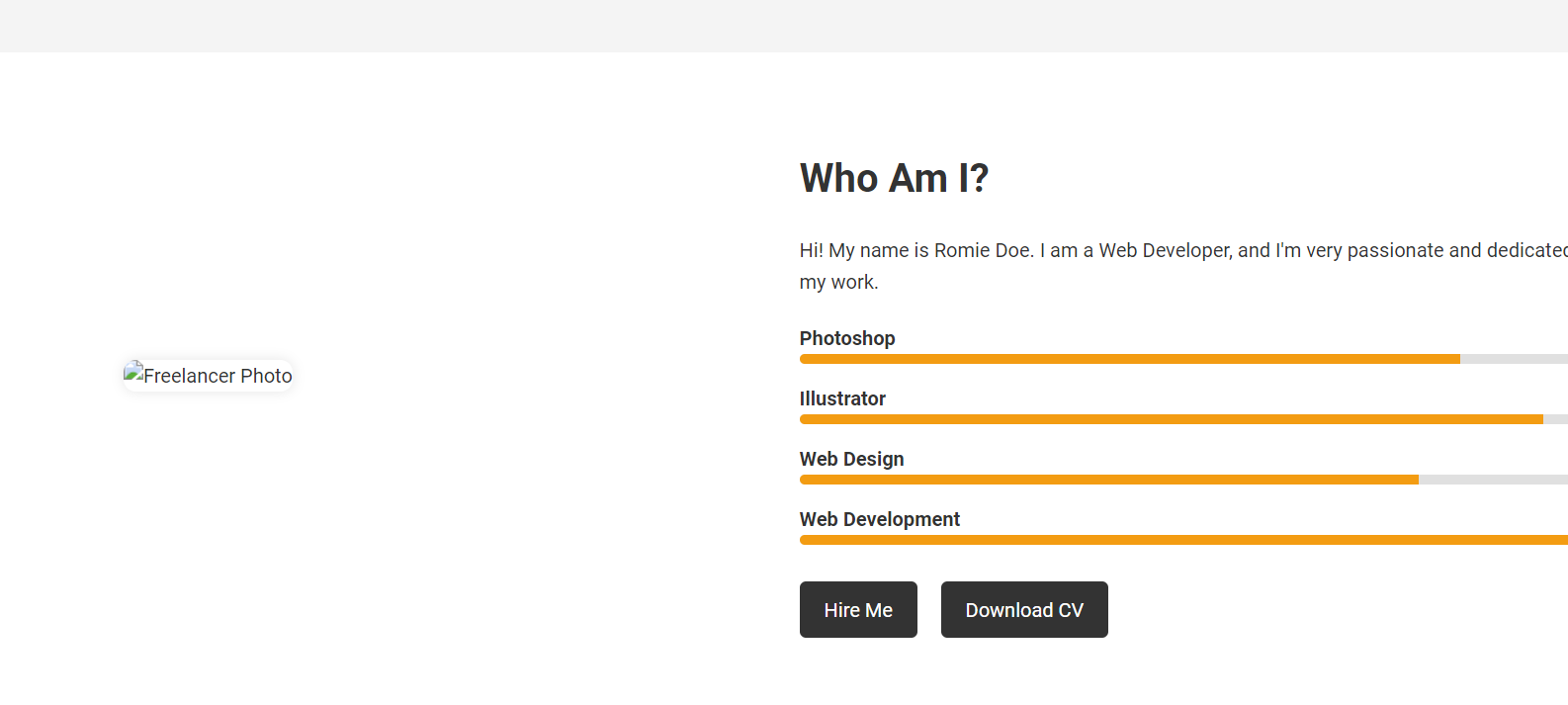
이미지가 없으니 만들어 달라고 하고
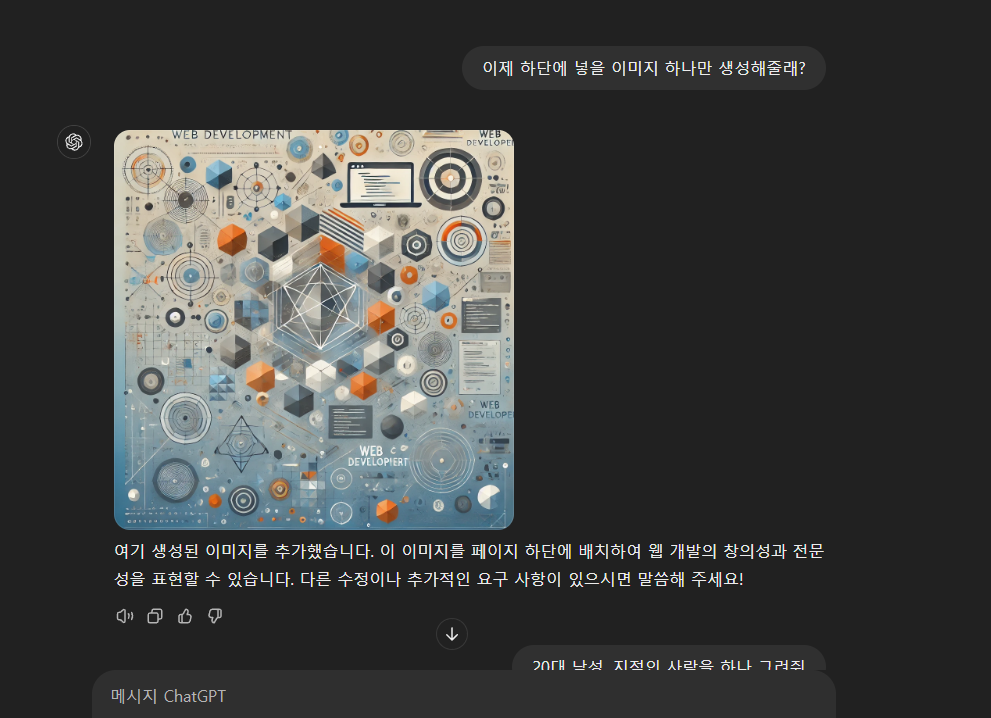
몇번에 요구에 거쳐, 만들어진 이미지를 jpg로 만든다.
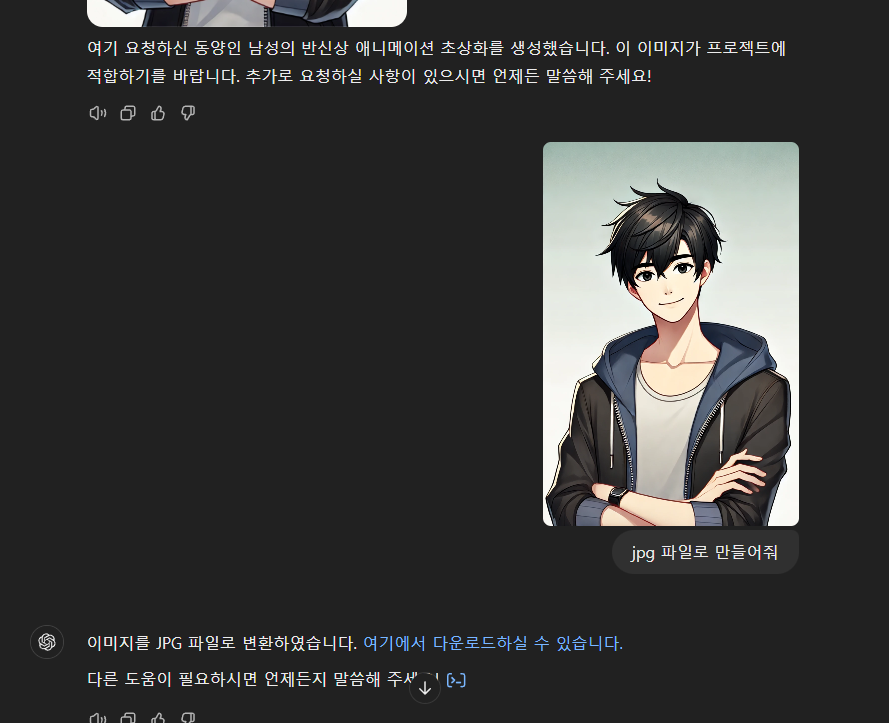
이제 만들어진 파일을 동 폴더에 넣고 실행하면

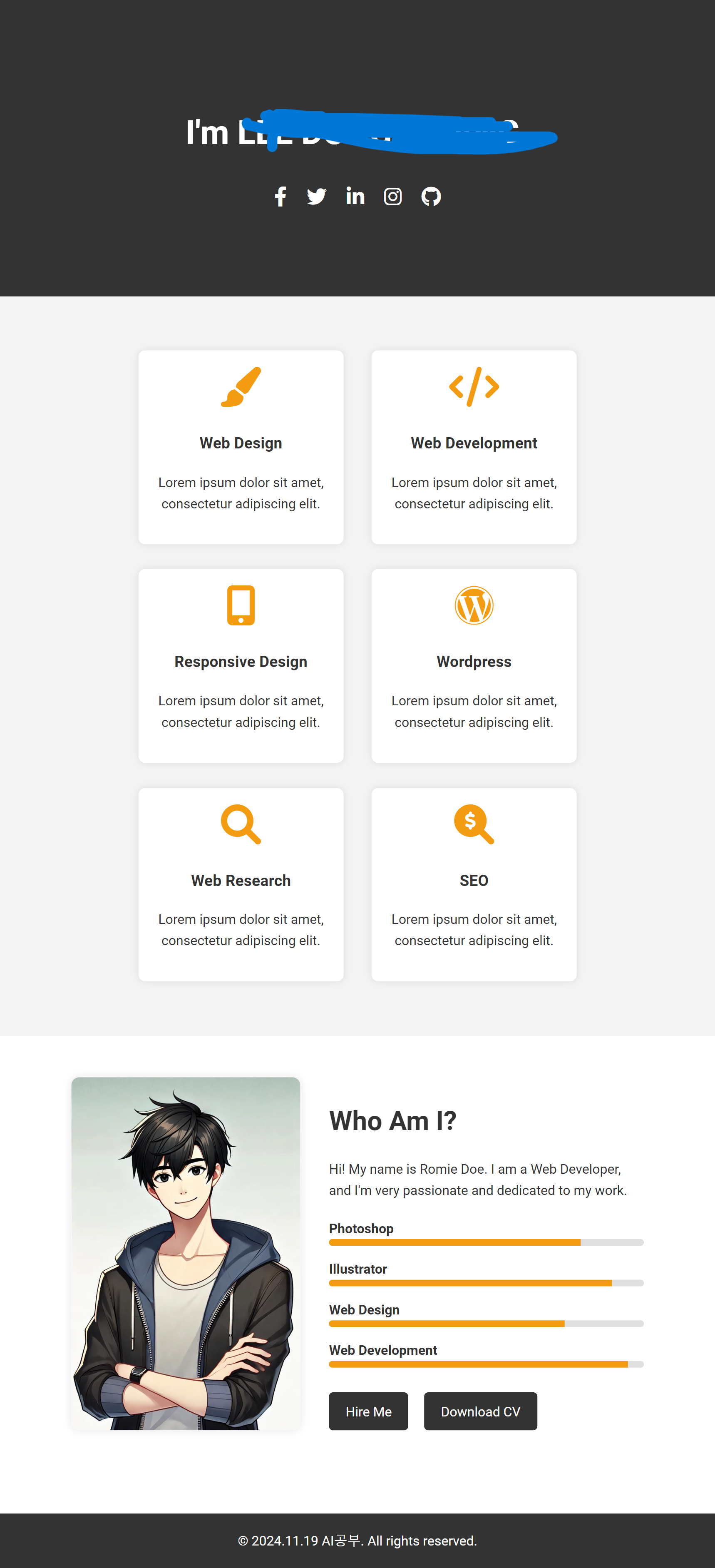
완성되었다.
페이지 서치 5분
코드 붙여넣기 5분
이미지 생성 5분
총 15분 정도 걸렸다.
--
코드 내용
<!DOCTYPE html>
<html lang="en">
<head>
<meta charset="UTF-8">
<meta name="viewport" content="width=device-width, initial-scale=1.0">
<title>Freelancer Landing Page</title>
<link rel="stylesheet" href="styles.css">
<link href="https://fonts.googleapis.com/css2?family=Roboto:wght@300;400;700&display=swap" rel="stylesheet">
<link rel="stylesheet" href="https://cdnjs.cloudflare.com/ajax/libs/font-awesome/6.0.0-beta3/css/all.min.css">
</head>
<body>
<!-- Header Section -->
<header class="header">
<div class="container">
<h1>I'm Freelancer.<span></span></h1>
<div class="social-icons">
<a href="#"><i class="fab fa-facebook-f"></i></a>
<a href="#"><i class="fab fa-twitter"></i></a>
<a href="#"><i class="fab fa-linkedin-in"></i></a>
<a href="#"><i class="fab fa-instagram"></i></a>
<a href="#"><i class="fab fa-github"></i></a>
</div>
</div>
</header>
<!-- Services Section -->
<section class="services">
<div class="container">
<div class="service">
<i class="fas fa-paint-brush"></i>
<h3>Web Design</h3>
<p>Lorem ipsum dolor sit amet, consectetur adipiscing elit.</p>
</div>
<div class="service">
<i class="fas fa-code"></i>
<h3>Web Development</h3>
<p>Lorem ipsum dolor sit amet, consectetur adipiscing elit.</p>
</div>
<div class="service">
<i class="fas fa-mobile-alt"></i>
<h3>Responsive Design</h3>
<p>Lorem ipsum dolor sit amet, consectetur adipiscing elit.</p>
</div>
<div class="service">
<i class="fab fa-wordpress"></i>
<h3>Wordpress</h3>
<p>Lorem ipsum dolor sit amet, consectetur adipiscing elit.</p>
</div>
<div class="service">
<i class="fas fa-search"></i>
<h3>Web Research</h3>
<p>Lorem ipsum dolor sit amet, consectetur adipiscing elit.</p>
</div>
<div class="service">
<i class="fas fa-search-dollar"></i>
<h3>SEO</h3>
<p>Lorem ipsum dolor sit amet, consectetur adipiscing elit.</p>
</div>
</div>
</section>
<!-- About Section -->
<section class="about">
<div class="container">
<div class="about-content">
<img src="profile.jpg" alt="Freelancer Photo">
<div class="about-text">
<h2>Who Am I?</h2>
<p>Hi! My name is Romie Doe. I am a Web Developer, and I'm very passionate and dedicated to my work.</p>
<div class="skills">
<div class="skill">
<p>Photoshop</p>
<div class="skill-bar">
<div class="skill-percentage" style="width: 80%;"></div>
</div>
</div>
<div class="skill">
<p>Illustrator</p>
<div class="skill-bar">
<div class="skill-percentage" style="width: 90%;"></div>
</div>
</div>
<div class="skill">
<p>Web Design</p>
<div class="skill-bar">
<div class="skill-percentage" style="width: 75%;"></div>
</div>
</div>
<div class="skill">
<p>Web Development</p>
<div class="skill-bar">
<div class="skill-percentage" style="width: 95%;"></div>
</div>
</div>
</div>
<div class="buttons">
<a href="#" class="btn">Hire Me</a>
<a href="#" class="btn">Download CV</a>
</div>
</div>
</div>
</div>
</section>
<!-- Footer Section -->
<footer class="footer">
<div class="container">
<p>© 2024 Freelancer. All rights reserved.</p>
</div>
</footer>
</body>
</html>
/* General Styles */
body {
    font-family: 'Roboto', sans-serif;
    line-height: 1.6;
    color: #333;
    margin: 0;
    padding: 0;
    box-sizing: border-box;
}

.container {
    width: 80%;
    margin: 0 auto;
}

/* Header Section */
.header {
    background: #333;
    color: #fff;
    text-align: center;
    padding: 100px 0;
}

.header h1 {
    font-size: 2.5rem;
    font-weight: 700;
}

.header .social-icons {
    margin-top: 20px;
}

.header .social-icons a {
    color: #fff;
    margin: 0 10px;
    font-size: 1.5rem;
    transition: color 0.3s;
}

.header .social-icons a:hover {
    color: #f39c12;
}

/* Services Section */
.services {
    padding: 50px 0;
    background: #f4f4f4;
    text-align: center;
}

.service {
    display: inline-block;
    width: 30%;
    margin: 15px;
    background: #fff;
    padding: 20px;
    border-radius: 8px;
    box-shadow: 0 0 10px rgba(0,0,0,0.1);
}

.service i {
    font-size: 3rem;
    color: #f39c12;
    margin-bottom: 10px;
}

/* About Section */
.about {
    padding: 50px 0;
    background: #fff;
}

.about-content {
    display: flex;
    align-items: center;
    justify-content: space-between;
}

.about-content img {
    max-width: 40%;
    border-radius: 10px;
    box-shadow: 0 0 10px rgba(0,0,0,0.1);
}

.about-text {
    max-width: 55%;
}

.about-text h2 {
    font-size: 2rem;
    margin-bottom: 20px;
}

.skills {
    margin-top: 20px;
}

.skill {
    margin-bottom: 15px;
}

.skill p {
    margin: 0;
    font-weight: 700;
}

.skill-bar {
    width: 100%;
    background: #e0e0e0;
    height: 8px;
    border-radius: 5px;
    overflow: hidden;
}

.skill-percentage {
    height: 100%;
    background: #f39c12;
    transition: width 0.5s;
}

.buttons {
    margin-top: 30px;
}

.btn {
    display: inline-block;
    text-decoration: none;
    background: #333;
    color: #fff;
    padding: 10px 20px;
    border-radius: 5px;
    margin-right: 15px;
    transition: background 0.3s;
}

.btn:hover {
    background: #f39c12;
}

/* Footer Section */
.footer {
    background: #333;
    color: #fff;
    text-align: center;
    padding: 20px 0;
    margin-top: 50px;
}

.footer p {
    margin: 0;
}
'AI 툴 활용법' 카테고리의 다른 글
| GPT로 유료 사이트 해킹하기? (4) | 2024.12.02 |
|---|---|
| GPT, Claude, Perplexity: 어떤 AI를 선택할 것인가? (1) | 2024.11.30 |
| 파이썬으로 이미지 파일 형식변환(webp, jpg, png) feat Cursor (1) | 2024.11.30 |
| Ai로 애니메이션 만들기 test1s (0) | 2024.11.17 |
| 폴더 및 파일 정리 feat GPT (2) | 2024.11.09 |